

Run Your Fashion Empire in Tap Store
The developer did not provide additional system requirements.
Overview
Tap Store is a casual simulation game designed for iOS users who enjoy building and managing virtual businesses. At its core, the game allows players to establish and grow a women’s fashion store from the ground up, starting with an empty shop and minimal capital. The primary goal is to attract customers, sell clothing items, and reinvest profits into expanding inventory, store layout, and furnishings. The gameplay is structured around incremental progression, where success depends on strategic purchasing, efficient store design, and patient waiting for customer traffic to build.
Designed for fans of Farmville-style games, Tap Store appeals to users who appreciate slow-paced, reward-driven experiences. It serves as a digital sandbox for creativity and entrepreneurship, offering a relaxed environment where players can experiment with fashion trends and store aesthetics. The game is particularly suited for casual gamers seeking light entertainment during short breaks or longer sessions of idle engagement.
While the developer’s background remains unspecified, the game’s polished presentation suggests a focus on user experience and visual appeal. The use of vibrant graphics and ambient music enhances immersion, making the virtual store feel alive and inviting. Players can also engage socially by visiting neighbors’ stores, adding a competitive yet collaborative layer to the experience.
Real-world usage scenarios include using Tap Store as a stress-relief tool, a creative outlet for fashion enthusiasts, or a way to pass time during commutes or downtime. Its repetitive mechanics, however, may not suit users seeking fast-paced or high-intensity gameplay.
Key Features & Capabilities
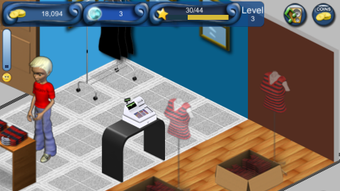
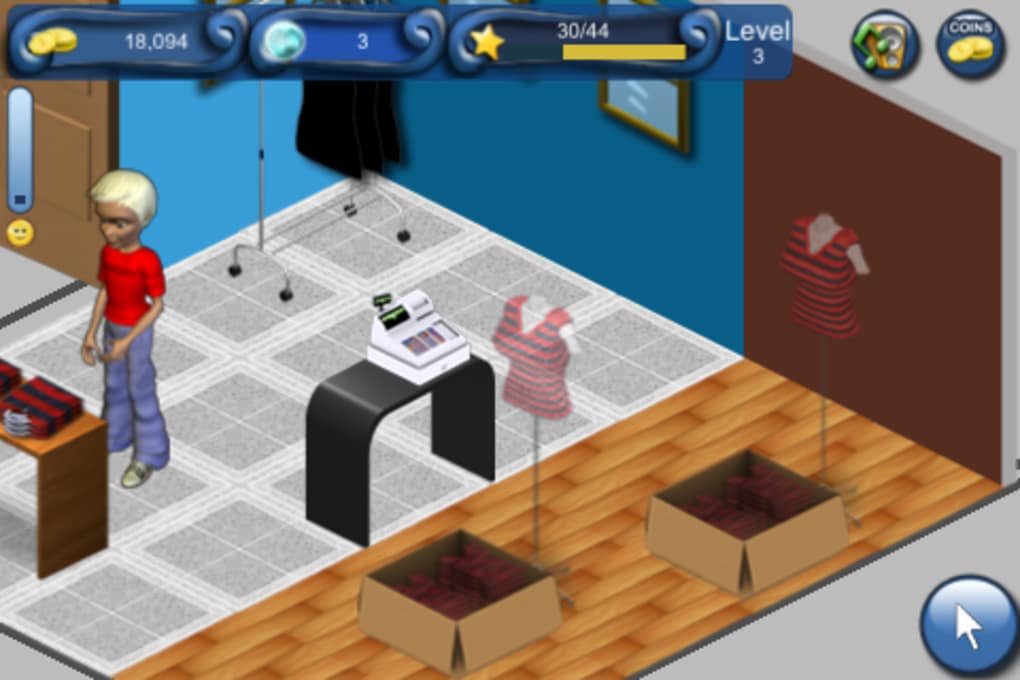
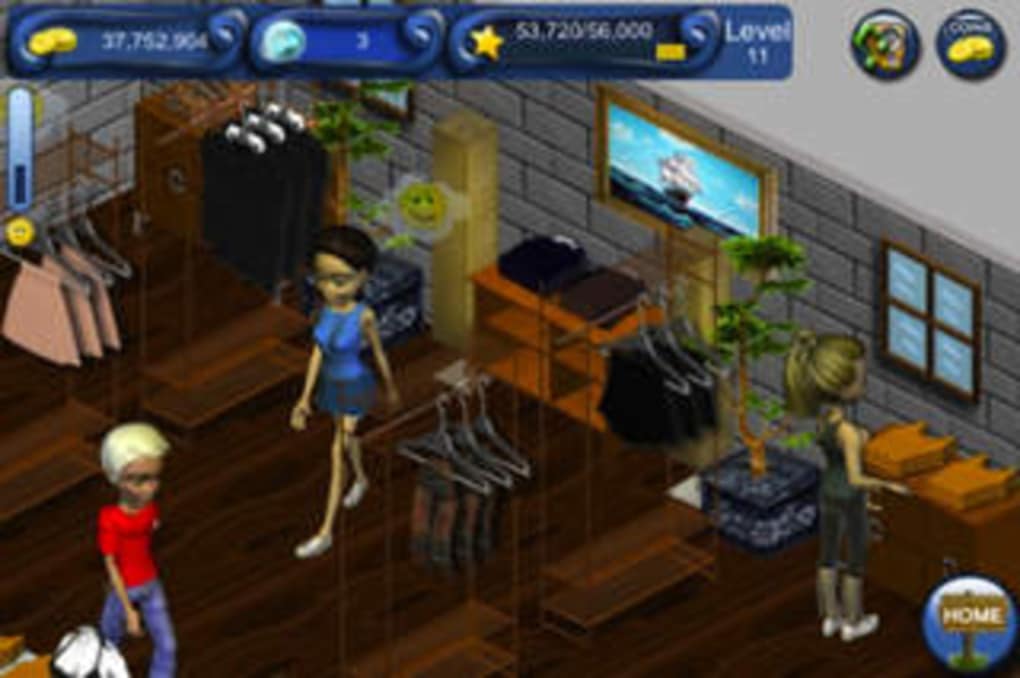
- Virtual Fashion Store Management – Players begin with a blank storefront and gradually populate it with clothing items, racks, and furniture. The ability to customize layout and design supports creative expression and strategic planning.
- Incremental Progression System – Success is earned through repeated actions such as purchasing stock, waiting for deliveries, and managing customer visits. This slow build-up encourages patience and long-term engagement.
- Resource Management – Players must balance limited funds between buying clothes, upgrading store infrastructure, and improving customer satisfaction. Efficient budgeting is key to scaling operations.
- Online Social Interaction – The game allows users to visit other players’ stores, view their designs, and compare performance. This feature fosters community engagement and friendly competition.
- Monetization via In-App Purchases – Extra coins and inspiration points can be acquired through real money or by downloading sponsored apps. This optional system supports faster progression for players willing to invest.
These features combine to create a simulation experience centered on planning, patience, and personal style. For instance, a player might spend time designing a boutique layout that reflects a specific fashion theme, then monitor how customer traffic responds. Another might focus on maximizing profit margins by timing purchases with in-game events.
While the game lacks advanced mechanics, its core loop is designed to be accessible and engaging for casual audiences. The emphasis on visual appeal and ambient sound design further enhances the sense of immersion, making the virtual store feel like a personal project.
User Interface, Workflow & Performance
The user interface of Tap Store is intuitive and visually cohesive, featuring a clean layout with touch-friendly controls. Navigation is straightforward, allowing players to access inventory, store layout, customer flow, and settings with minimal effort. The design prioritizes clarity, with icons and labels that are easy to interpret even for first-time users.
Workflow follows a logical sequence: purchase items → place them in the store → wait for customers → collect earnings → reinvest. This cyclical process is easy to follow and supports consistent engagement. The tutorial provides a basic onboarding experience, helping users understand core mechanics before diving into full gameplay.
Performance observations are based on general software behavior patterns. The developer did not specify resource usage details. However, the game’s 150 MB file size suggests moderate storage requirements, and its casual nature implies low CPU and RAM demands. Stability appears to be maintained through standard iOS optimization practices.
There are no reported issues with crashes or freezes based on available information. The game runs smoothly on iOS devices, though extended play may require background processing, which could affect battery life over time.
Compatibility & System Requirements
Tap Store is designed exclusively for iOS devices. The software version is 1.0, and the installation size is 150 MB. The developer did not specify exact system requirements, including minimum iOS version or hardware specifications.
Compatibility information was partially provided. Users should ensure their device supports the latest iOS updates to avoid potential issues. The game is optimized for touchscreen interaction, which is standard for mobile apps on iOS.
Exact performance details were not specified. However, the game’s casual nature and moderate file size suggest it will run on most modern iOS devices without significant strain.
Pros and Cons
Pros
- Visually appealing design with vibrant graphics and ambient music
- Simple, intuitive interface suitable for casual users
- Engaging social feature: visit and explore other players’ stores
- Free to download and play with optional in-app purchases
- Encourages creativity through customizable store layouts
Cons
- Slow progression may lead to player fatigue over time
- Limited depth in gameplay mechanics beyond basic management
- Reliance on idle time or in-app purchases to accelerate progress
- No clear indication of system requirements or device compatibility
- Monetization model may feel intrusive to some users
FAQ Section
Is Tap Store available for Android devices?
Tap Store is currently only available for iOS. The developer has not announced plans for an Android release.
Can I play Tap Store offline?
Yes, the game can be played without an internet connection after initial download. However, some features like visiting neighbors’ stores require an active connection.
Is Tap Store safe to download?
As a free app available on the official Apple App Store, Tap Store is considered secure. It does not require access to sensitive device data.
Are there in-app purchases in Tap Store?
Yes, players can purchase extra coins and inspiration points using real money or earn them by downloading sponsored apps.
How often does Tap Store receive updates?
Update frequency is not specified. The latest version available is 1.0, released on March 15, 2024.
Final Thoughts + CTA
Tap Store delivers a polished, visually rich simulation experience tailored to fans of casual, idle-style games. Its blend of fashion design, store management, and light social interaction creates a unique niche within the mobile gaming space. While the slow pace and reliance on time investment may not appeal to everyone, those who enjoy building virtual empires at their own rhythm will find satisfaction in the game’s steady progression.
For casual gamers, fashion enthusiasts, and players who appreciate low-pressure entertainment, Tap Store offers a relaxing escape. Its free model with optional monetization makes it accessible to a wide audience. However, users seeking fast action or deep strategic layers may find it underwhelming.
Overall, Tap Store stands out for its aesthetic charm and thoughtful design. If you’re looking for a laid-back way to manage a virtual fashion store, this game provides a satisfying, if slow, journey.
Download Tap Store now







